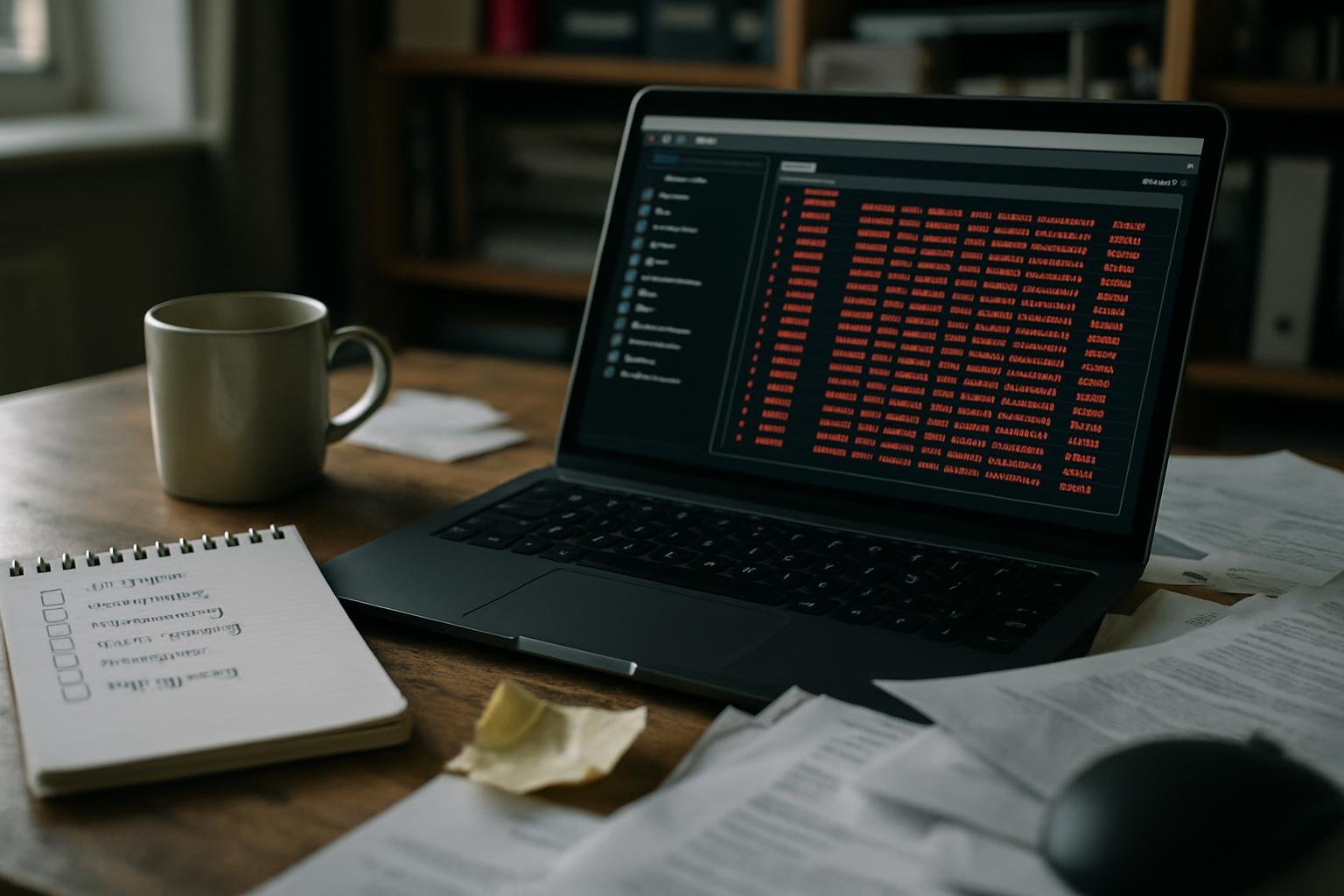
Thirty-four workflows. Nineteen of them broken. One had been silently failing for four months and cost a client roughly £700 in missed follow-ups before anyone noticed. That’s what an n8n instance looks like when nobody owns it.
How automations rot
Nobody builds a broken workflow on purpose. They break later, quietly, for boring reasons.
- An API changes its authentication from Basic to OAuth and your node starts returning
401 Unauthorizedat 2 a.m. - A Google Sheet gets renamed by someone who didn’t know it was connected to anything.
- A webhook URL gets regenerated after a password reset and the sending service still points at the old one.
- A model you hardcoded — say,
gpt-4-0613— gets deprecated and the OpenAI node throws an error on every execution.
None of these are exotic. All of them happened in that one instance. The problem isn’t the tools. It’s that automations are treated like appliances: plug them in, forget them. They’re not appliances. They’re more like staff. They need a manager.
What the cleanup actually looked like
The first job was an audit. In n8n, every workflow execution is logged. Pull the execution list filtered to error status and you get an honest picture fast.
In the n8n UI: Executions → filter by Status: Error. Or, if you’re on a self-hosted instance with the API enabled, you can query it directly:
GET https://YOUR_N8N_HOST/api/v1/executions?status=error&limit=100
Authorization: Bearer YOUR_API_KEY
The response gives you workflowId, startedAt, and the data.resultData.error.message field. Sort by startedAt ascending. The oldest errors are the ones nobody caught.
From that list, every broken workflow got tagged into one of three buckets:
- Dead — the business process it served no longer exists. Archive it.
- Fixable — a credential swap, a field rename, a model update. Fix it now.
- Redesign needed — the logic was wrong from the start and the error just exposed it. Schedule it properly.
Of the 19 broken workflows: 7 were dead, 9 were fixable in under an hour each, 3 needed a proper rebuild. The £700 mistake was in the “fixable” pile. A lead-capture workflow was posting to a Slack channel that had been archived. The webhook accepted the payload, returned 200 OK, and nobody saw the leads. Four months of silence that looked like success.
The fix that actually matters: an owner and a heartbeat
Cleaning up once doesn’t solve the underlying problem. The underlying problem is that nobody has a standing job to check whether automations are still working.
Two things change that.
1. Assign an owner. One named person — not “the team” — is responsible for each workflow. Their name goes in the workflow’s description field in n8n. When it breaks, they get the alert. This is not a technical change. It’s a governance change, and it’s the one that actually sticks.
2. Build a heartbeat workflow. A simple scheduled workflow that runs every morning, calls a known-good endpoint, and posts a single green tick to a monitoring Slack channel. If the tick stops appearing, something is wrong with the instance itself. Here’s the shape of it:
# Trigger: Schedule node, every day 08:00
Schedule
  → HTTP Request (GET https://YOUR_N8N_HOST/healthz)
  → IF (response.status === 200)
      → Slack: post “✅ n8n healthy — {{$now}}” to #ops-alerts
      → [ELSE] Slack: post “⚠️ n8n health check failed” to #ops-alerts
That’s a five-node workflow. It takes twenty minutes to build. It would have caught the silent failure inside a day.
The maintenance cadence that works
After the cleanup, a simple rhythm keeps things clean:
- Weekly (10 minutes): scan the execution error log. Anything new gets tagged.
- Monthly (1 hour): review the full workflow list. Archive anything unused for 60 days. Check that credentials haven’t expired.
- Quarterly (half a day): audit every workflow against the business process it serves. Processes change. Workflows should too.
That’s it. The cadence isn’t complicated. The discipline is.
What this costs if you don’t do it
The £700 figure is conservative. It counts only the leads that came through the broken channel during the failure window, valued at the client’s average order size. It doesn’t count the time spent on the cleanup, or the trust cost of a process that looked like it was working but wasn’t.
If you have automations running and nobody is actively checking them, you almost certainly have something broken right now. Pull the error log. See what’s in it. That’s the only way to know.
If you’d rather have someone else own that cadence, our studio retainer covers exactly this — monthly health checks, error triage, and credential management as a standing service. See what’s included at our pricing page.